
Best precision screwdriver set for electronics searches usually come from the same frustration: you’re trying to open a phone, laptop, controller, or toy, and the bit cams out, the screw head strips, or the handle feels like a slippery pen. The “right set” is less about having 200 bits and more about having the specific bits, control, and build quality that match small fasteners.
This guide helps you pick a precision kit that actually works for electronics repair, not a generic household set. You’ll see what matters (and what’s mostly marketing), a quick self-check, a comparison table, and practical setup tips so you don’t damage screws, plastics, or boards.
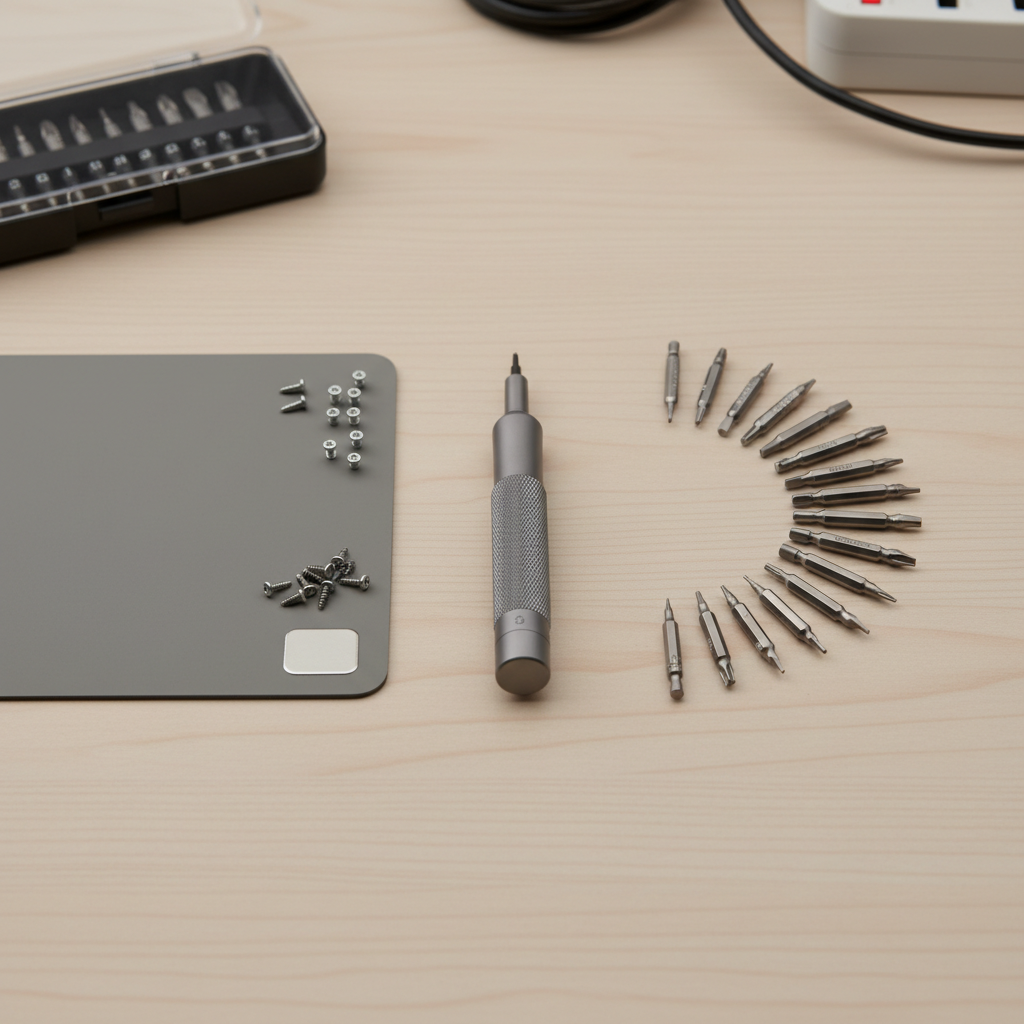
One more thing that trips people up: many electronics “use the same screw” until you meet a security Torx, a tiny JIS cross, or a pentalobe. If you buy based on count alone, you often end up missing the two bits you actually need, while the rest sit unused.
What makes a precision screwdriver set “best” for electronics
For electronics, the priorities are different than furniture or automotive work. You’re dealing with tiny heads, shallow screw sockets, and materials that can crack if you torque too hard.
- Bit fit and hardness: A crisp, well-machined tip seats fully and resists rounding. Many good sets use S2 steel; some premium sets use tougher alloys. The goal is simple: less cam-out and fewer stripped heads.
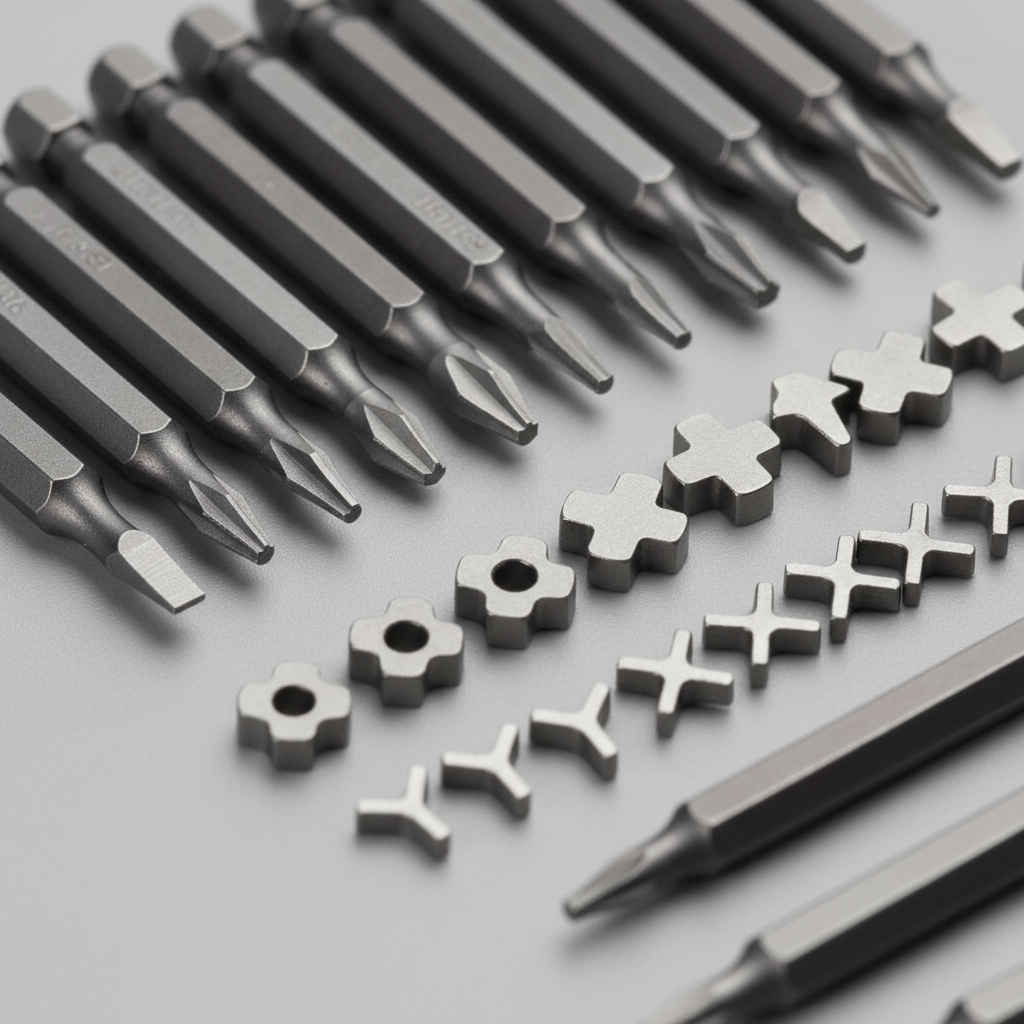
- Common electronics profiles: Torx (T3–T8), Torx Security, Phillips (PH000/PH00), slotted micro sizes, pentalobe, tri-point (Y), and sometimes hex micro bits.
- Handle control: A free-spinning top cap and a knurled grip help you apply steady downward pressure while turning.
- Magnetics that help, not hinder: Light magnetization helps lift screws; too much can be annoying around loose metal parts. Many sets include a magnetizer/demagnetizer block, which is genuinely useful.
- Extension and flexibility: An extension shaft helps reach deep wells in laptops and game consoles. Flexible shafts are a mixed bag for tiny screws because they reduce control.
- Organization and labeling: Sounds boring, but clear labels and a case that doesn’t spill matter when you’re sorting 10 similar Torx sizes.
Quick self-check: which kit style fits your repairs
Before comparing sets, decide what you actually open. This prevents overbuying and helps you find the best precision screwdriver set for electronics in your lane.
- Phones/tablets: Often need pentalobe (iPhone), tri-point (some models), tiny Phillips, plus plastic prying tools. You’ll benefit from a slim handle and excellent tip machining.
- Laptops: Commonly Torx and Phillips, plus an extension for recessed screws. A sturdy case and duplicates for common sizes help.
- Game controllers/consoles: Security Torx shows up often, and longer bits or an extension can save time.
- PC building (not board repair): You may only need PH1/PH2 for case screws, but a precision kit is handy for M.2 screws and small accessories.
- Occasional toy/remote fixes: A small, curated kit beats a giant set if you want something simple.
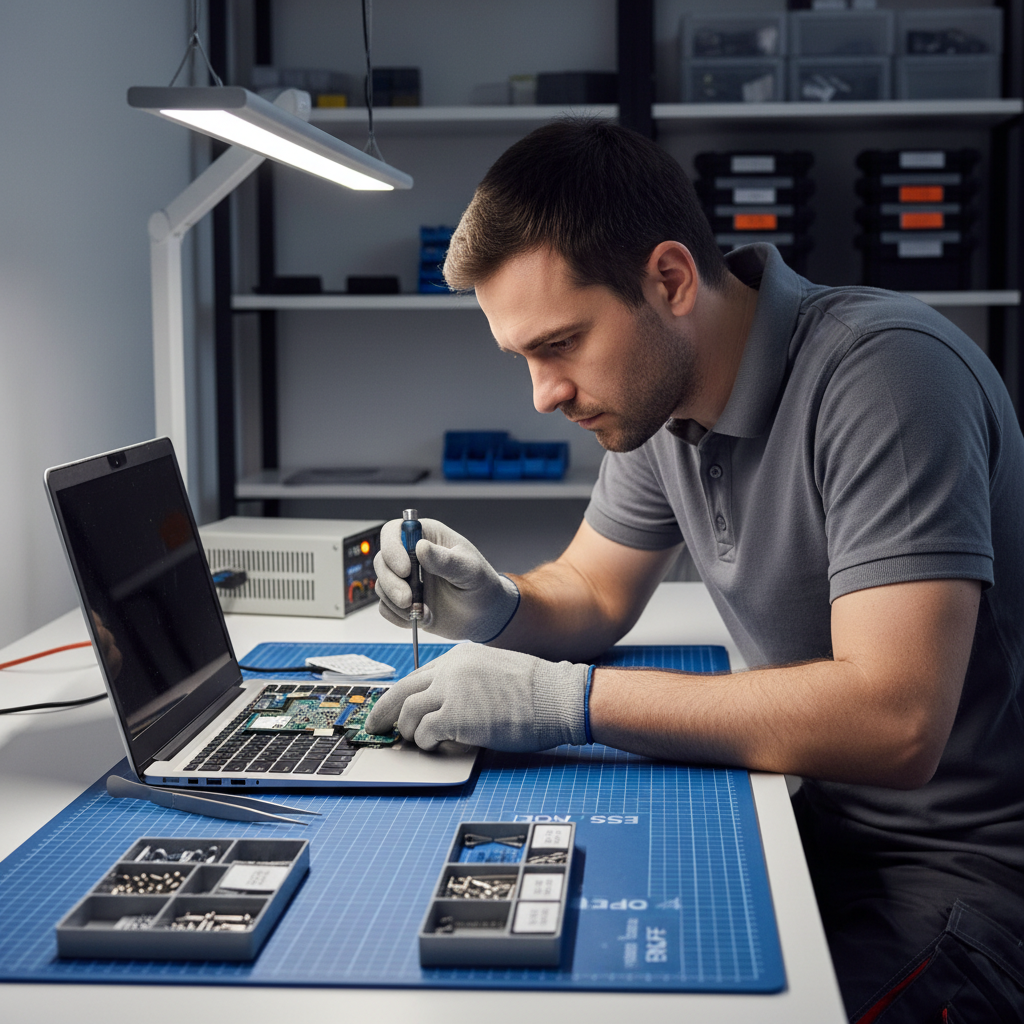
If your work is mostly laptop and controller screws, prioritize Torx range, security Torx, and an extension. If you’re doing phones, prioritize pentalobe/tri-point coverage and very high tip quality because those tiny heads strip easily.
What to look for in the bits (the part that actually touches your device)
Handles get the spotlight, but bits do the real work. When a screw strips, it’s usually a fit issue, a worn tip, the wrong profile, or too much torque.
Must-have bit types for electronics
- Torx: T3, T4, T5, T6, T7, T8 (T5/T6 show up constantly)
- Torx Security: often labeled TR or “H” in some kits
- Phillips: PH000, PH00, PH0
- Pentalobe: common for certain phone bottoms
- Tri-point (Y): used in some phones, handhelds, and controllers
- Hex: small sizes occasionally appear in laptops and accessories
Fit and finish clues you can judge quickly
- Crisp edges on the tip, no visible burrs or rough machining
- Consistent labeling and no duplicate sizes pretending to be different
- Length: short bits are fine, but having a few longer bits or an extension is practical
According to ANSI (the American National Standards Institute), tool standards and proper fit help reduce slippage and fastener damage, which is exactly what you want with tiny electronics screws.
Comparison table: choosing the right set without getting lost
You can use this table to narrow options fast. It’s not a brand ranking, because availability and bundles change, but it maps what a “good” kit typically includes.
| Set type | Best for | What it usually includes | Tradeoffs |
|---|---|---|---|
| Compact 20–40 bit kit | Occasional electronics fixes | Core Torx/Phillips, a couple security bits, small case | May miss pentalobe/tri-point or deep reach |
| Repair-focused 60–100 bit kit | Laptops, controllers, phones | Wider Torx range, security Torx, pentalobe, tri-point, extension | More pieces to manage, quality varies by brand |
| Pro/bench kit (quality-first) | Frequent repairs, small screws daily | High-precision bits, durable handle, organized case, spare bits | Higher price, sometimes fewer “novelty” bits |
Practical buying checklist (use this before you hit “Add to cart”)
If you want the best precision screwdriver set for electronics, this checklist does more than reviews because it forces a match to your devices.
- Bit coverage matches your target devices: confirm Torx T5/T6, security Torx, PH000/PH00, and add pentalobe/tri-point if you open phones/handhelds.
- Driver has a spinning top cap: you’ll feel the difference on tiny screws immediately.
- Knurled or grippy handle: smooth chrome handles look nice and slip at the worst time.
- Extension included: especially for laptops with recessed screws.
- Case won’t explode: hinged or magnetic retention beats loose trays.
- Return policy and replacement bits: tips wear, even on good kits, so replacements matter.
Key point: If a listing hides bit size details or only shows “98-in-1” without a readable chart, treat that as a yellow flag.
Also worth checking: whether the kit includes plastic pry tools or a suction cup. Not mandatory for a screwdriver set, but if your real goal is opening devices, those extras reduce the temptation to use a kitchen knife or metal blade.
How to use a precision set without stripping screws (simple technique matters)
Good tools help, but technique prevents most damage. Tiny screws punish rushed moves.
- Press down, then turn: apply steady downward pressure before you start rotating, especially with Phillips and tri-point.
- Confirm the bit seats fully: if it rocks or feels shallow, stop and try the next size up or down.
- Break torque gently: first movement is the hardest. A slow, controlled twist beats a quick snap.
- Use magnetization strategically: magnetize to lift screws, demagnetize if you’re near loose metal dust or delicate assemblies.
- Sort screws as you remove them: small length differences matter. A magnetic project mat or labeled sections saves reassembly headaches.
According to OSHA, using the right hand tools and maintaining them helps reduce injuries and damage. In electronics work, that translates to better control and fewer slips into boards or cables.
Common mistakes (and what to do instead)
- Buying the biggest kit and assuming it covers everything: many large sets still skip the exact phone bits you need. Check the list, not the count.
- Using Phillips on JIS-style screws: some cross-head screws look like Phillips but behave differently; if the bit keeps camming out, test a slightly different profile or higher-quality bit.
- Over-torquing on reassembly: small screws seat quickly. Snug is usually enough; cranking down can crack plastic standoffs.
- Ignoring worn tips: a rounded PH00 tip will strip screws even if your technique is good. Replace the bit.
- Skipping ESD precautions: static discharge can damage components. According to ESDA (ESD Association), ESD control practices help protect sensitive electronics; if you’re working inside devices, consider an ESD mat and wrist strap.
When it’s worth getting expert help (or at least pausing)
There’s a point where a screwdriver set isn’t the bottleneck.
- Stripped or seized screws: you may need extraction tools, heat, or adhesive techniques. If you’re not confident, a repair shop can prevent more expensive damage.
- Battery work: puncturing a lithium battery can be hazardous. If the job involves prying near a swollen or adhered battery, many people choose professional service.
- Warranty concerns: some devices have indicators or seals. If that matters to you, check the policy before opening.
Conclusion: picking the right set without overthinking it
The best precision screwdriver set for electronics is the one with excellent bit fit, the few profiles your devices actually use, and a handle that gives control, not hand fatigue. If you’re stuck between two sets, lean toward the one with clearer bit labeling, better case organization, and a spinning cap, those details show up every time you touch a tiny screw.
If you want a quick next step, list the last three devices you’ve opened (or plan to open), match their screw types, then buy a kit that covers those sizes with room for one future project. You’ll spend less, and you’ll strip fewer screws.
If you’re building a small home repair setup and want a more plug-and-play route, look for a repair-focused kit that bundles core micro bits plus an extension and basic pry tools, it’s usually the most practical middle ground for electronics work.