
Surform tool blade replacement is usually the fastest fix when your cuts feel rough, the tool starts skating on the surface, or the blade keeps clogging even after brushing it out.
If you use a Surform-style rasp for drywall, wood shaping, foam, or soft metals, the blade is the wear item, not the handle. The catch is that “a Surform blade” can mean different lengths, hole patterns, and mounting styles, and a near-match often fits poorly or chatters.
This guide helps you figure out what blade you actually have, when it’s worth replacing versus cleaning, how to choose a compatible blade, and how to swap it without stripping screws or bending the frame.
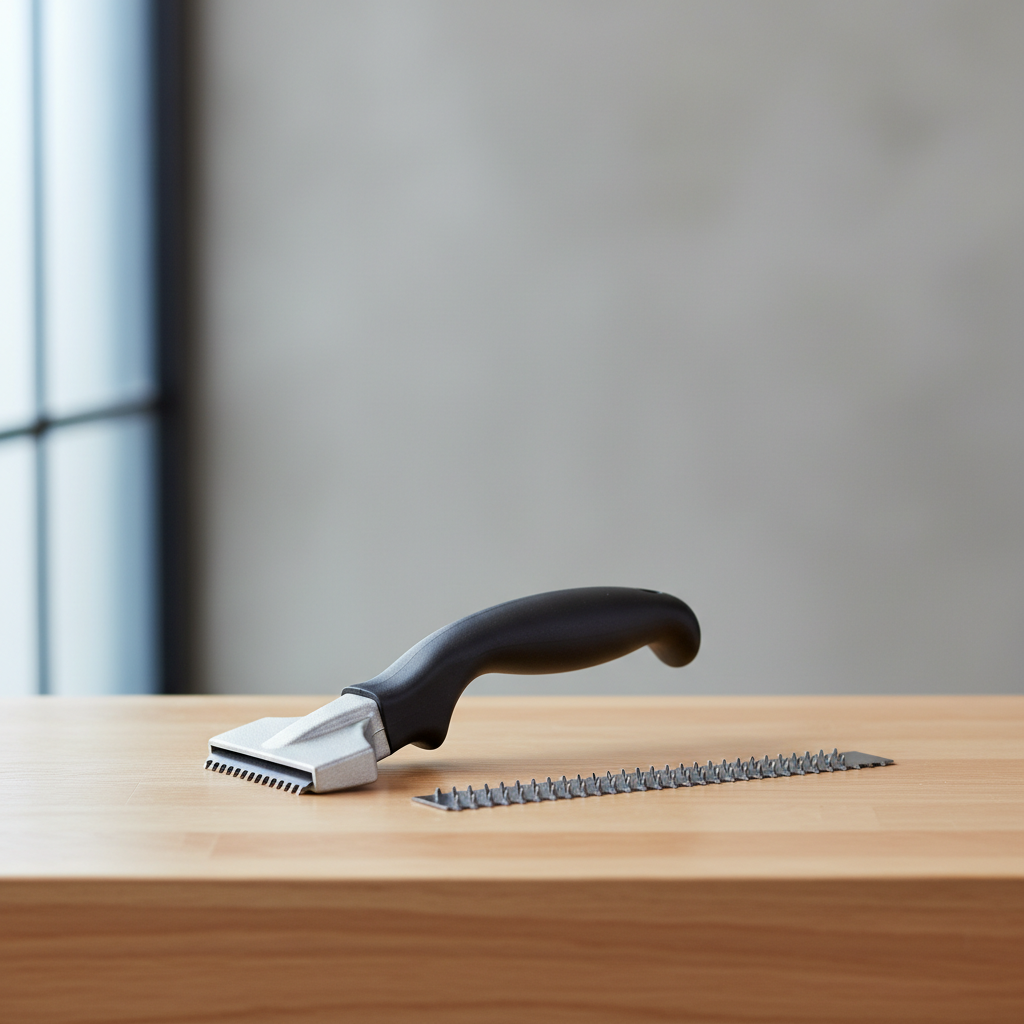
Why Surform blades wear out (and what that looks like)
Most people notice performance drop before they see obvious damage. With a Surform rasp, the cutting action comes from raised perforations, so wear shows up as “less bite” rather than a dull edge.
- Rounded perforations: the raised teeth lose their crisp profile, so the tool rubs instead of shaving.
- Clogging and loading: foam, softwood resin, joint compound dust, or paint can pack into the holes and mimic dullness.
- Warp or bend: blades can deform if over-tightened, dropped, or used with too much pressure, leading to chatter and uneven shaping.
- Corrosion: rust reduces cutting efficiency and can stain some materials.
According to OSHA, keeping hand tools in safe condition matters because damaged tools can slip and cause cuts or punctures. You don’t need to overthink this, but if the blade can’t cut predictably, it’s a safety issue, not just a finish issue.
Quick self-check: do you need replacement or just cleaning?
Before you order a new blade, do a quick reality check. A lot of “dull blade” complaints are really clogged teeth or the wrong blade type for the material.
Replace the blade if you see any of these
- Noticeable uneven cutting, even after cleaning
- Missing or flattened perforations across a wide area
- Bent blade that won’t sit flat in the frame
- Cracks near screw holes or ends
Try cleaning first if this is your situation
- It cuts fine for a few strokes, then clogs quickly
- The holes look packed with dust, resin, or foam crumbs
- The blade surface feels “gummy” from paint, adhesive, or joint compound
Cleaning approach that usually works: stiff nylon brush, compressed air, and for stubborn resin/paint a solvent that matches the residue (and the blade’s coating). If you’re unsure about chemicals, the safe move is to check the solvent label and your material’s safety guidance.
Choosing the right replacement blade (compatibility matters)
Surform-style blades are not always interchangeable across tool styles, even if they look close. Focus on fit first, then coarseness.
- Tool style: flat file, half-round, pocket plane, block plane, or specialty profile tools often use different blade shapes.
- Blade length and width: measure the old blade end-to-end and across the widest point.
- Mounting pattern: screw hole placement, tabs, or clamps vary by model.
- Cut/coarseness: coarse removes material fast but leaves deeper marks; fine gives more control and a cleaner surface.
If your tool is a Stanley Surform (common in the U.S.), matching the model number on the handle/frame is the most reliable way to avoid a wrong-order loop. Aftermarket blades can work, but tolerances vary, so “fits Surform” is not the same as “fits your Surform.”
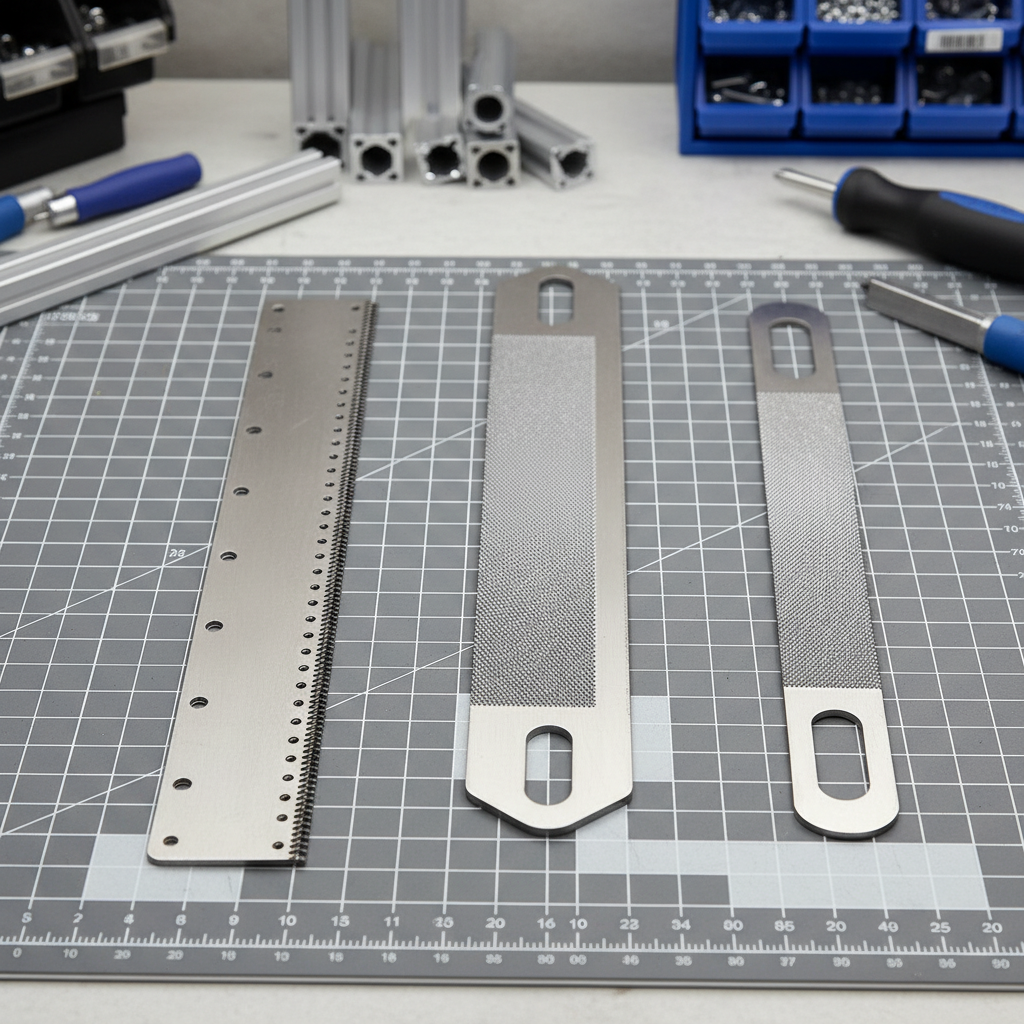
Blade selection cheat sheet (material vs cut)
This table won’t cover every specialty blade, but it’s a practical starting point for most DIY and jobsite use.
| Material | Typical goal | Recommended cut | What to watch for |
|---|---|---|---|
| Drywall / joint compound | Knock down high spots | Medium to fine | Clogs easily, clean often |
| Softwood | Shape quickly | Coarse | Can tear grain, finish sanding needed |
| Hardwood | Controlled shaping | Fine to medium | Pressure causes chatter, let teeth do work |
| Foam insulation / EVA | Fast contouring | Coarse to medium | Heat and friction can smear foam |
| Fiberglass filler / body filler | Rough shaping | Coarse | Dust control matters, wear PPE |
Key point: if you plan to sand anyway, a coarser blade can save time; if the Surform is your “last surface,” lean finer.
How to replace a Surform tool blade (step-by-step)
Surform tool blade replacement is straightforward, but the two common mistakes are over-tightening and installing the blade slightly skewed, which causes chatter.
Tools you may need
- Screwdriver that matches the fastener head (Phillips, slotted, Torx depending on tool)
- Brush and rag for cleanup
- Light oil for stubborn screws (optional)
Steps
- Unplug and clear the area: it’s a hand tool, but treat the blade like a cutting tool and keep fingers off the teeth.
- Remove fasteners or release clamp: support the frame so it doesn’t flex while loosening.
- Lift the old blade out: if it sticks, don’t pry hard against the frame; wiggle gently and check for debris at the ends.
- Clean the seating surfaces: dust under the blade can keep it from sitting flat.
- Install the new blade: align holes/tabs, confirm it lies flat end-to-end.
- Tighten snug, not aggressive: over-torque can bow the blade or strip threads.
- Test on scrap: a few strokes should feel smooth and consistent, with even shavings.
If the tool uses a plane-style body, double-check blade orientation. Some blades cut better in a preferred direction, and installing backward can feel like instant dullness.
Mistakes that make a new blade feel “bad”
A brand-new blade that cuts poorly is usually telling you something else is off. Here are the patterns that show up most.
- Wrong coarseness for the job: fine blades on soft foam can load up fast and feel useless.
- Too much pressure: Surforms work best with moderate pressure and steady passes, pushing hard can skid and chatter.
- No dust control: on drywall or filler, dust packs holes quickly; a quick brush-out every minute can change everything.
- Frame bent or worn: if the holder is warped, even a perfect blade won’t sit flat.
- Misalignment: slightly off-center mounting can make the tool track crooked.
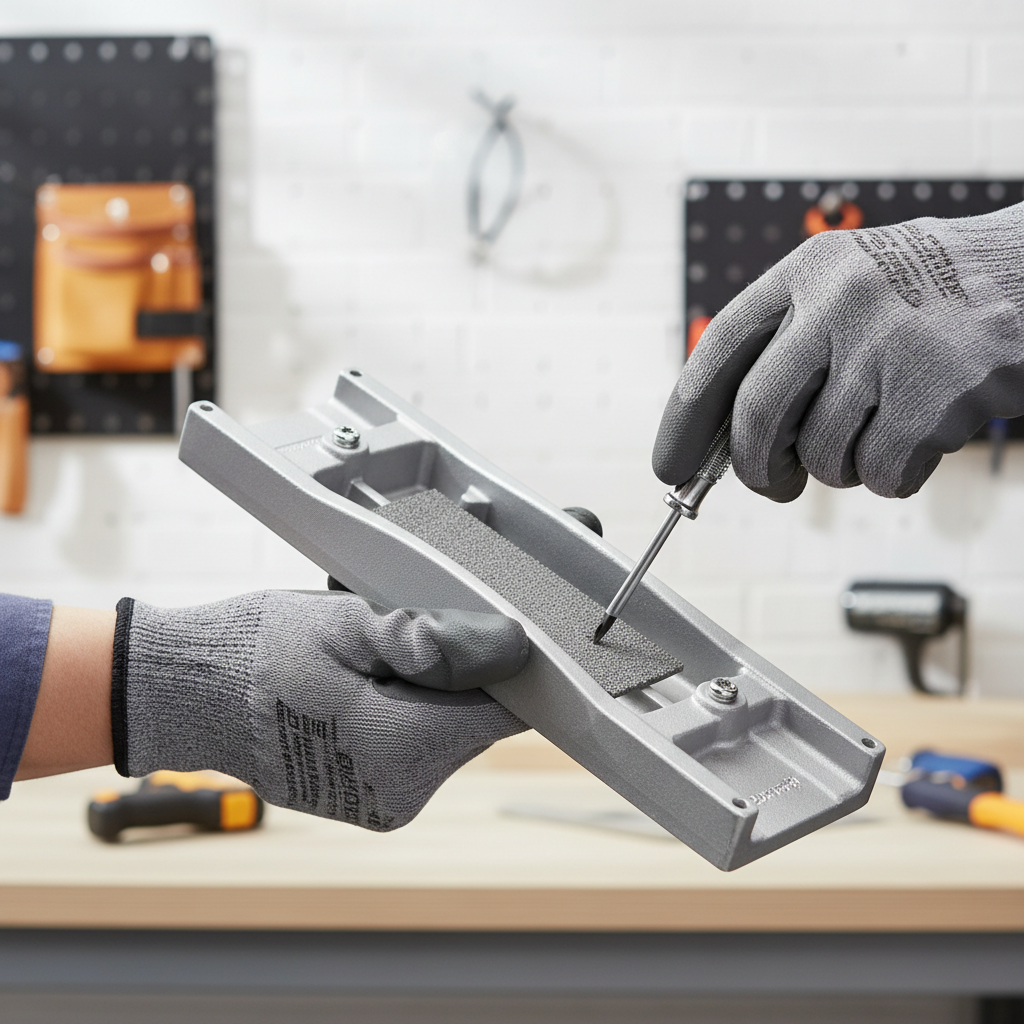
When to get help or upgrade the tool
If your Surform is used occasionally, swapping blades is usually enough. If you’re using it daily and results keep drifting, you may be fighting the tool body rather than the blade.
- Stripped threads or cracked frame: consider replacing the tool body, since poor clamping can be a safety risk.
- Work that demands repeatable flatness: a dedicated drywall rasp, sanding block, or power tool might fit better.
- Dust exposure concerns: if you’re shaping filler or drywall regularly, it’s worth asking a pro about dust control and PPE for your specific environment.
According to NIOSH, controlling dust exposure and using appropriate respiratory protection can reduce health risks in many work settings. If you’re unsure what applies to your project, a local contractor or safety specialist can steer you to the right approach.
Conclusion: a better cut usually starts with the right blade
Most projects don’t need a new tool, they need the right blade and a clean, flat seat. If your Surform starts tearing, clogging, or skipping, take five minutes to confirm the blade type, measure it, and match the mounting pattern before ordering.
Two practical next steps: (1) pull the old blade and photograph the mounting and dimensions, (2) choose coarseness based on whether you’re shaping fast or finishing clean, then test on scrap before committing to the workpiece.
FAQ
How often should I do surform tool blade replacement?
It depends on material and pressure. If you work mostly in drywall dust or resinous wood, blades can feel “done” sooner because the holes load and wear faster, so judge by cut quality more than calendar time.
Can I sharpen a Surform blade instead of replacing it?
In most cases, not really. The cutting action comes from stamped perforations, and once those round over, sharpening is inconsistent. Cleaning can help a lot, but true wear usually means replacement.
Why does my Surform blade clog constantly on drywall mud?
Joint compound dust packs tightly in the perforations. Brushing frequently, using lighter pressure, and keeping the surface drier often helps; if mud is still green or gummy, any rasp will load up.
Are Stanley Surform replacement blades universal across all Surform tools?
Not universal. Many Stanley Surform tools share blade families, but planes, files, and specialty profiles can use different sizes and mounting patterns. Match the model when possible.
My new blade chatters and leaves ridges, what should I check?
Start with seating and alignment: blade flatness, fastener tightness (snug, not bowed), and any debris under the blade ends. If everything is seated well, coarseness may be too aggressive for the material.
Is it safe to use a rusty blade if it still cuts?
Light surface rust might still cut, but it can reduce control and stain some materials. If the blade feels unpredictable or the rust is pitting the perforations, replacement is usually the safer call.
What’s the difference between coarse and fine Surform blades in real use?
Coarse blades remove stock quickly and can feel “grabby,” fine blades feel smoother and are easier to control near final shape. Many people keep both and swap depending on the stage of the job.
If you’re trying to avoid a wrong-order headache, the simplest path is to pull your current blade, confirm the tool style and mounting pattern, then buy the replacement that matches your model and the material you work most, it saves time and usually costs less than experimenting.