
how to revive a dead power tool battery usually starts with one boring truth: many “dead” packs aren’t dead, they’re either locked out by protection circuitry, suffering from dirty connections, or sitting outside a safe temperature window.
If you can sort out which of those you’re dealing with, you can often get a pack charging again without guesswork, and you’ll also know when it’s smarter to stop before you waste time or create a safety problem.
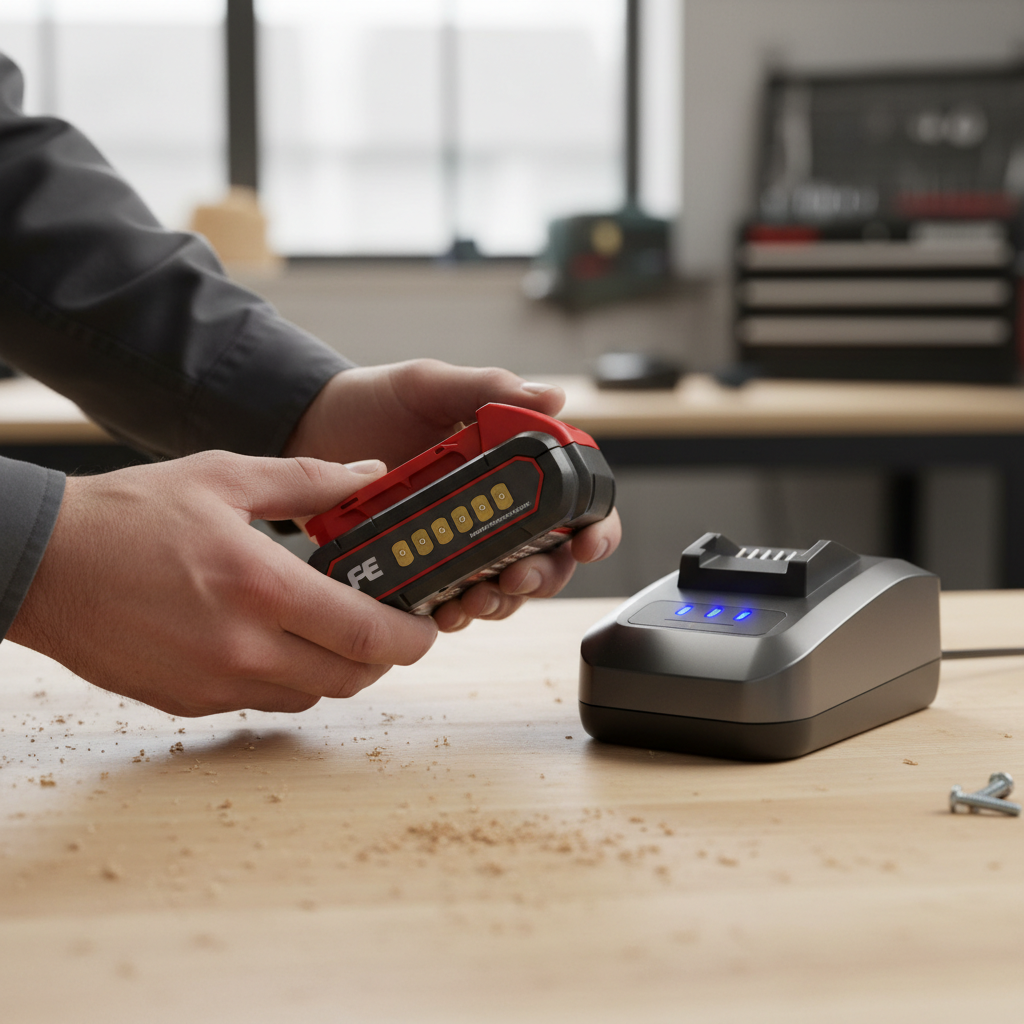
One quick note before we get hands-on: different brands and chemistries behave differently. Most modern cordless tools use lithium-ion packs with a built-in Battery Management System (BMS). That BMS can shut the pack down when voltage gets too low, when it’s too hot or cold, or when it detects a fault. “No charge” doesn’t always mean “no cells left.”
According to UL Solutions, lithium-ion batteries can pose fire risk when damaged, improperly charged, or short-circuited, so anything that involves opening a pack, bypassing protection, or using improvised wiring deserves extra caution and, in many cases, is best left to a qualified technician.
What “dead” really means (and why chargers refuse to start)
When people say a battery is dead, they usually mean one of these: the charger won’t recognize it, the pack shows no LEDs, or it charges “instantly” but delivers almost no runtime. Those symptoms point to different causes.
- Undervoltage lockout: The pack voltage drops below a threshold and the BMS blocks charging as a protection move.
- Temperature lockout: Many chargers pause if the pack is too cold or too hot, even if the cells are fine.
- High internal resistance: Aging cells can show “charged” fast but sag under load.
- Dirty or loose terminals: Corrosion, dust, or slightly bent contacts can prevent proper handshake.
- Charger issue: A failing charger can mimic a dead pack, especially if its fan or indicator logic is off.
So the practical goal isn’t “revive no matter what,” it’s “confirm what failed, then choose the safest fix.”
Quick self-check: figure out which situation you’re in
Before you try anything, do a fast triage. It saves time and prevents risky moves.
5-minute checklist
- Look: cracks, swelling, melted spots, burned smell, or leaking residue are stop signs.
- Feel: if the pack is unusually hot after a short use or charge attempt, pause and isolate it.
- Try a second charger (same brand/voltage system if possible). A surprising number of “dead battery” reports are charger failures.
- Try a second battery on the same charger to confirm the charger works.
- Check temperature: if it came from a cold garage or a hot truck, let it rest at room temp for 1–2 hours.
If the pack shows swelling or damage, skip the rest and jump to the “When to stop” section. That’s not being dramatic, it’s just not worth the downside.
Common safe fixes that often bring a pack back
These steps are the “high-return, low-drama” options. If your goal is to learn how to revive a dead power tool battery without turning it into a science project, start here.
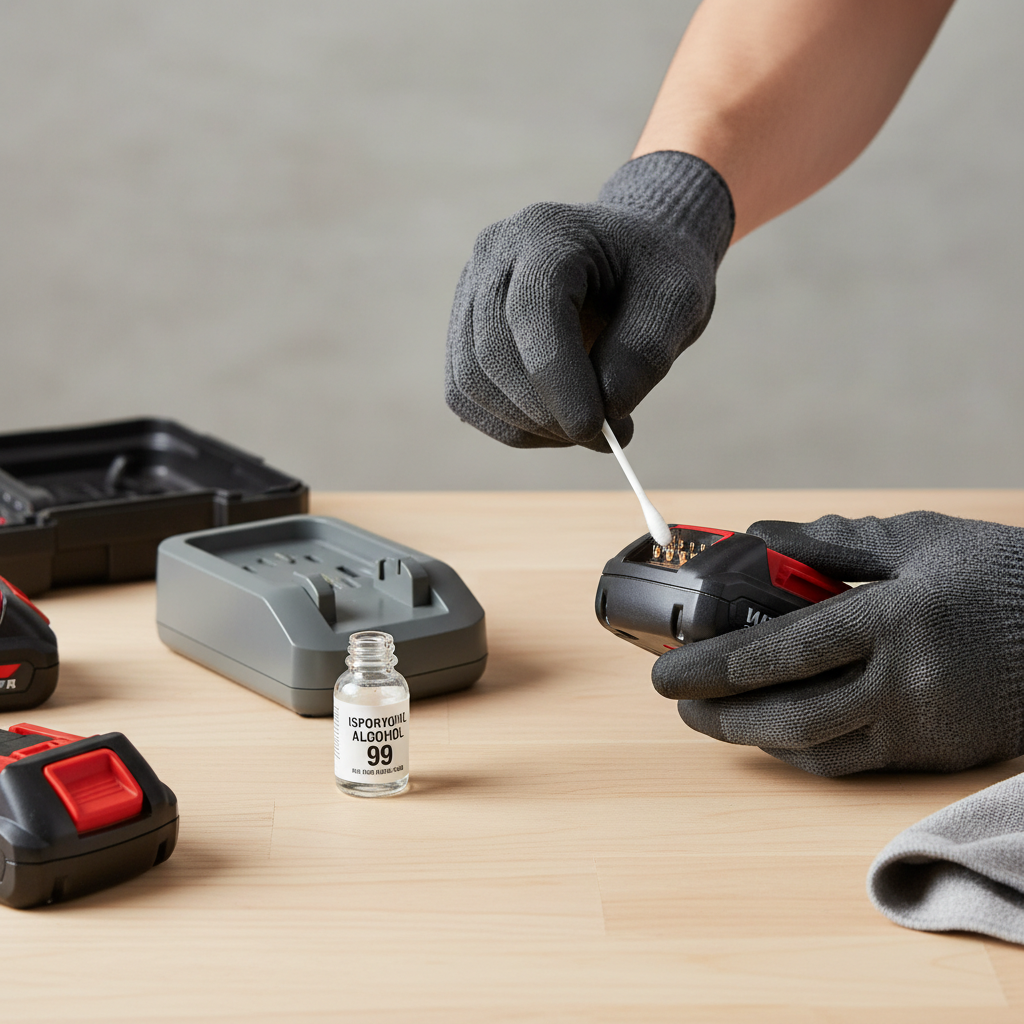
1) Clean the contacts (battery and charger)
Light corrosion or grime can block charging signals. Wipe terminals with a dry microfiber cloth first, then use a small amount of 90%+ isopropyl alcohol on a cotton swab. Let everything dry fully before charging.
- Avoid abrasives that remove plating.
- Don’t flood the pack with solvent.
2) Warm up or cool down the pack
If the charger flashes a temperature warning, don’t fight it. Let the pack return to room temperature naturally. Avoid heat guns, ovens, direct sunlight, or freezing tricks, those can create uneven cell stress.
3) Reset the “handshake” by reseating
Some packs need firm, aligned seating. Slide the pack in and out a few times, then insert it decisively. Also check for debris in the charger rails.
4) Use a “known-good” battery first (if your charger supports it)
On certain multi-bay or smart chargers, charging a good pack first can “wake” the charger logic and improve detection for a borderline pack right after. It’s not magic, it’s just reducing variables.
Undervoltage lockout: what you can do, and what you shouldn’t
This is the situation most people mean when searching how to revive a dead power tool battery: the pack sat for months, drained too far, and now the charger refuses to start.
There are two paths here: manufacturer-supported steps, and improvised “jump start” methods. I’m going to be blunt: the second category can be risky, can void warranties, and can go wrong fast if you don’t know the pack design.
Safer, manufacturer-friendly options
- Check the manual for the charger’s indicator codes and supported recovery behavior.
- Try a different official charger from the same system; some have better recovery logic.
- Ask the brand whether the pack has a built-in reset procedure or service program.
According to OSHA, using tools and electrical equipment as instructed by the manufacturer is a key part of preventing electrical hazards on the jobsite, and the same mindset applies at home: if the brand has a recovery workflow, use it.
Why “jumping” a pack is not a casual DIY tip
You’ll see advice to briefly apply voltage from another battery to force the pack above the BMS threshold. In some cases it can work, but it also increases the chance of overcurrent, reversed polarity, or charging a damaged cell. If you’re not comfortable reading polarity, measuring voltage with a multimeter, and understanding what your pack’s extra terminals do, that’s the line where “revive” becomes “gamble.”
If you still feel stuck at undervoltage, the practical move is often replacement or professional rebuilding, depending on brand, cost, and availability.
Battery health vs. battery revival: a simple comparison table
Not every pack that starts charging again is worth keeping in rotation. Here’s a quick way to judge outcomes after you get it to accept a charge.
| What you see | What it often means | What to do next |
|---|---|---|
| Charger now charges normally, runtime feels close to normal | Temporary lockout, contacts, or temperature issue | Keep using, store properly, avoid deep discharge |
| Charges “fast,” but tool bogs down quickly | Cells aging, high internal resistance | Mark it as light-duty, plan replacement |
| One LED bar, then sudden shutdown under load | Voltage sag, weak cell group | Stop relying on it for demanding tools |
| Pack gets hot during charge or use | Cell imbalance, internal damage, or charger mismatch | Stop using, consult service/support |
| Swollen case, odor, leakage, clicking sounds | Potential cell failure | Isolate, recycle through proper channel |
Practical routine to prevent “dead pack” surprises
A lot of dead-battery drama is storage behavior, not bad luck. Lithium-ion packs dislike being stored empty for long stretches.
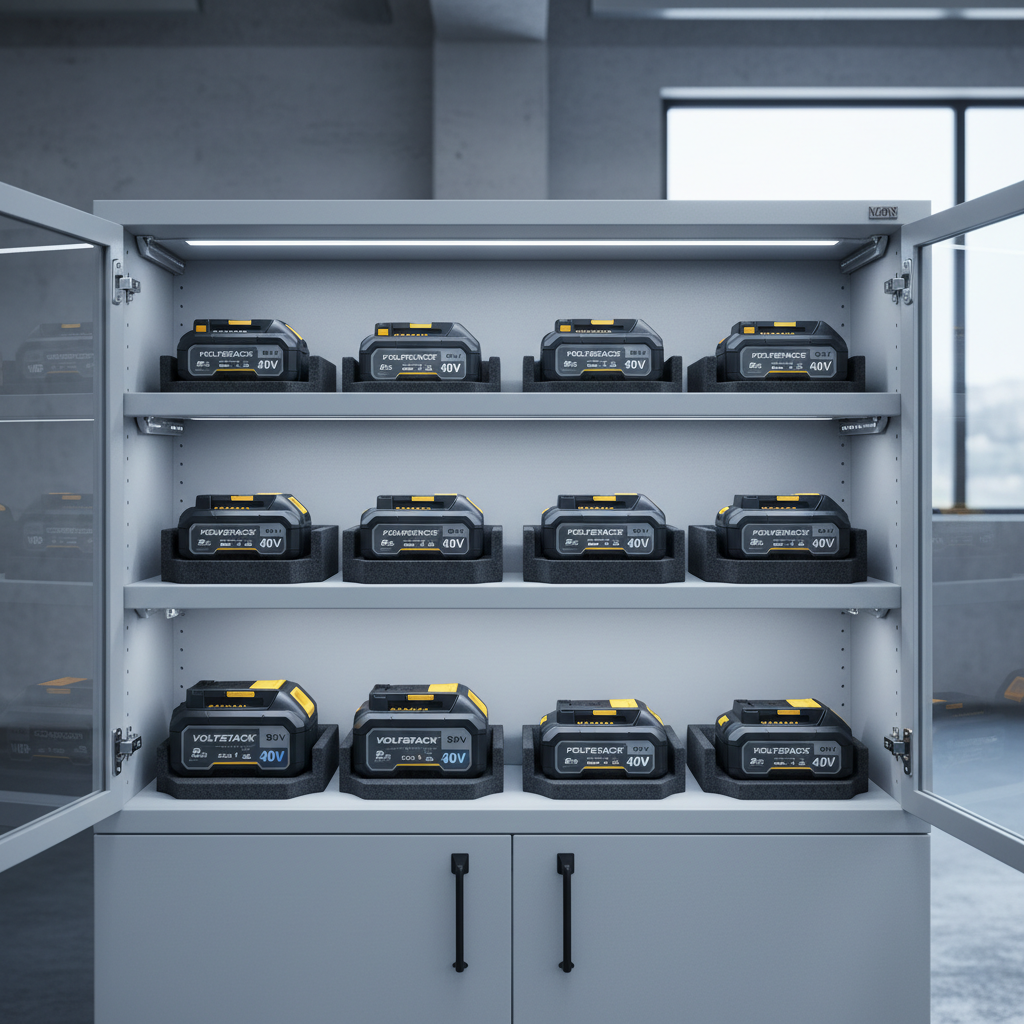
- Store around mid-charge when you won’t use the pack for weeks. Many brands suggest partial charge for storage, check your manual.
- Avoid hot storage like a parked car in summer; heat accelerates aging.
- Don’t park it on the charger forever unless your system explicitly supports maintenance charging behavior.
- Cycle your packs if you own many; leaving one untouched for a year is how undervoltage lockout happens.
If you run tools professionally, a simple habit helps: label packs with a month and rotate the “bench” batteries first.
Key takeaways (read this if you’re in a hurry)
- Start with the easy wins: temperature, contacts, and charger/battery cross-checks solve a lot of “dead” reports.
- If the pack is swollen or smells burnt, stop and use a proper recycling route.
- Getting it to charge isn’t the same as restoring health; test runtime under real load.
- Be cautious with jump-start methods; they can be unsafe and are brand-dependent.
When to stop and get help (or replace the pack)
Trying to revive a dead power tool battery makes sense when the pack is physically fine and the problem looks like lockout or poor contact. It stops making sense when warning signs show up.
- Stop immediately if you see swelling, cracks, leaking, or persistent overheating.
- Consider professional service if the pack is expensive, part of a pro ecosystem, or still under warranty.
- Replace if runtime collapses and the pack becomes unpredictable under load, that unpredictability is where tools get frustrating and safety margins shrink.
For disposal, many communities in the U.S. have battery drop-off programs. According to the U.S. Environmental Protection Agency (EPA), batteries should be managed through appropriate recycling or household hazardous waste programs rather than tossed in regular trash, rules vary by state and locality.
Wrap-up: a realistic plan for your next attempt
If you came here to learn how to revive a dead power tool battery, the most reliable approach is also the least exciting: verify the charger, clean terminals, normalize temperature, then re-test under load. If it comes back and behaves normally, great, put a better storage habit behind it so you don’t repeat the same failure mode.
If the pack only “sort of” returns, treat it like an aging battery instead of chasing a miracle fix, and if you see swelling or heat, step back and recycle or seek professional help. Your time, and your workshop, are worth more than a questionable pack.